
BSecure Platform FAQs
Explore online learning for your school, college or training organization
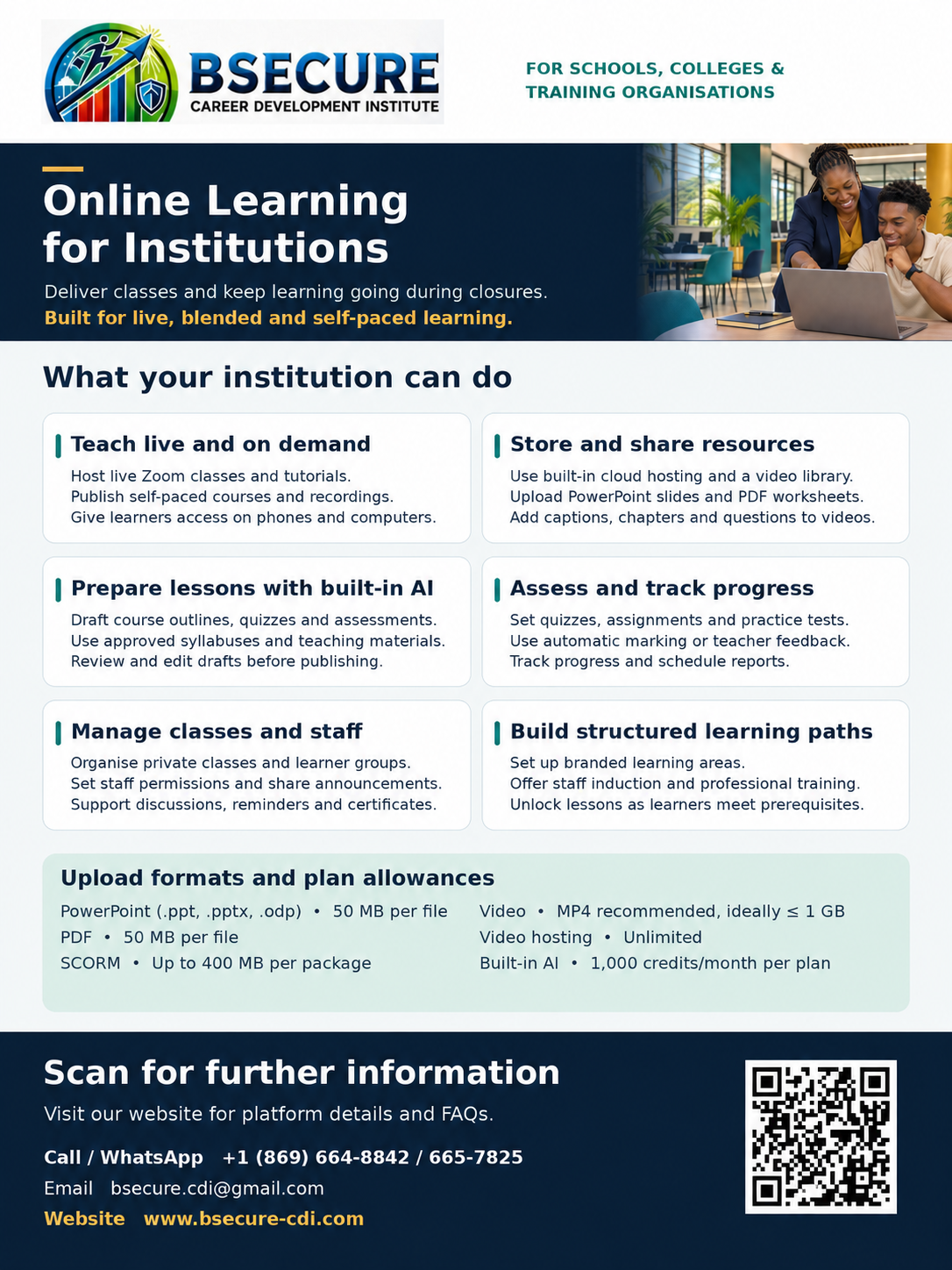
What the platform offers
"; ;Live Zoom Classes
Teach, meet and engage learners in real time
Cloud Storage and Uploads
Store, organize and share files securely in the cloud
Built in AI for Teachers
Save time with AI tools that support lesson planning, content creation and assessment
Quizzes & Assignments
Create, assign and mark quizzes and assignments online
Progress Reports
Track learner performance and monitor progress at a glance
Structured Learning Paths
Organize courses and activities into clear, step-by-step paths for learners
Frequently asked questions
What is the BSecure Institutional Learning Platform?
It is an online learning platform for schools, colleges and training organizations. Teachers and trainers can run live classes, publish recorded lessons, share resources, set assessments and track learner progress in one place.
Can we use it alongside our face-to-face classes?
Yes. You can use it to share homework, run revision sessions or make lesson materials available after class. If bad weather or another disruption closes your campus, your staff can use the same online classrooms to continue teaching.
Can we start with one class or department?
Contact BSecure to discuss a pilot for one subject, year group or training cohort. This gives your staff a chance to try the platform before expanding to the rest of the institution.
What does setup involve?
BSecure works with your designated coordinator to agree on the classroom structure, learner groups, staff permissions and onboarding needs. Your proposal will outline the setup, training and ongoing support included.
Can our teachers run live classes and share recordings?
Yes. Teachers can run live classes through Zoom and make recordings available for catch-up and revision. If several classes need to run at the same time, BSecure will confirm the number of concurrent sessions your setup can support.
Can students use the platform on their phones?
Yes. Learners can access their classrooms through a web browser on a phone, tablet or computer. Where teachers enable downloads, learners can save selected materials for later use. Live sessions and streamed videos require an internet connection.
Can teachers upload materials they already use?
Yes. They can upload PowerPoint presentations, PDFs, recorded lessons and compatible interactive learning packages. The platform includes cloud hosting for course materials and a video library for recordings and demonstrations.
How does the built-in AI help teachers?
Authorised staff can use AI to draft course outlines, lesson activities, quizzes and assessment questions. They can use approved syllabuses and teaching materials as references, then review and edit drafts before publishing. The AI allowance for your institution will be stated in your proposal.
Can teachers give quizzes, assignments and feedback?
Yes. Teachers can set quizzes, practice tests and assignments. Supported question types can be marked automatically, while teachers can review written submissions and give individual feedback.
Can we control the order in which learners complete lessons?
Yes. You can organize learning into modules and use prerequisites to unlock the next lesson or course after a learner completes the required work. This is useful for staff induction, vocational training and structured exam revision.
Can we organise learners into separate groups and give staff different permissions?
Yes. Learners can be organised by form, subject, department or training cohort. Staff permissions can be assigned according to their responsibilities. The proposal will specify how many staff accounts can independently upload materials, publish lessons and grade work.
Can school leaders monitor learner progress?
Yes. Authorised staff can review course progress, completion records and assessment results. Reports can help teachers identify learners who need follow-up and give administrators an overview of participation.
How do we request a demonstration or an institutional proposal?
Contact BSecure with your estimated number of learners and staff, the programmes you want to deliver, and how many live classes you expect to run at once. We can demonstrate the platform using a sample classroom and discuss a setup that fits your institution.
Call or WhatsApp: +1 (869) 664-8842 or +1 (869) 665-7825
Email: bsecure.cdi@gmail.com
Website: www.bsecure-cdi.com